Wikis
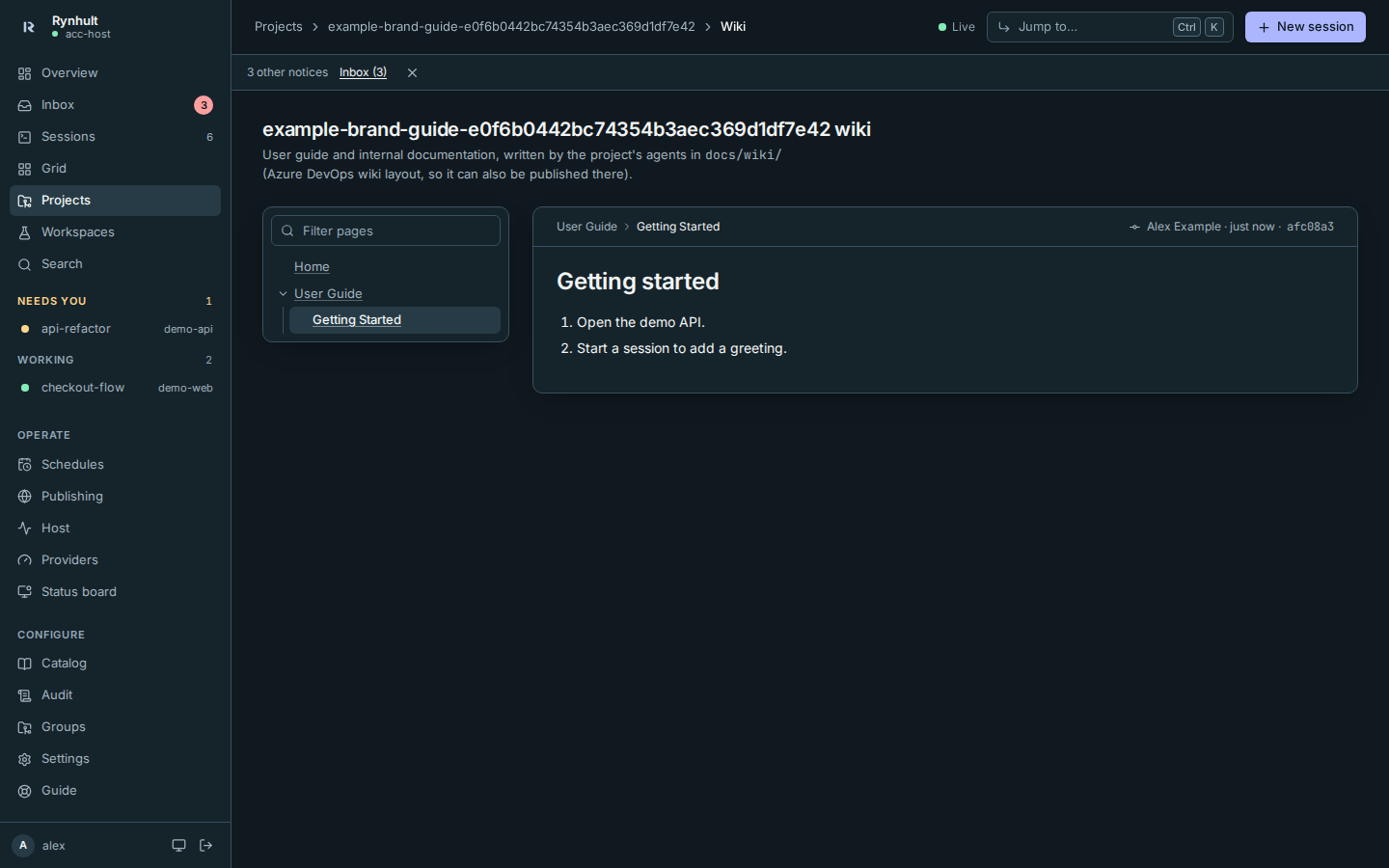
Every project and workspace can have a wiki: a user guide and internal documentation with screenshots, written by its agents as part of each change. Open it with Wiki on the project page or a workspace card.
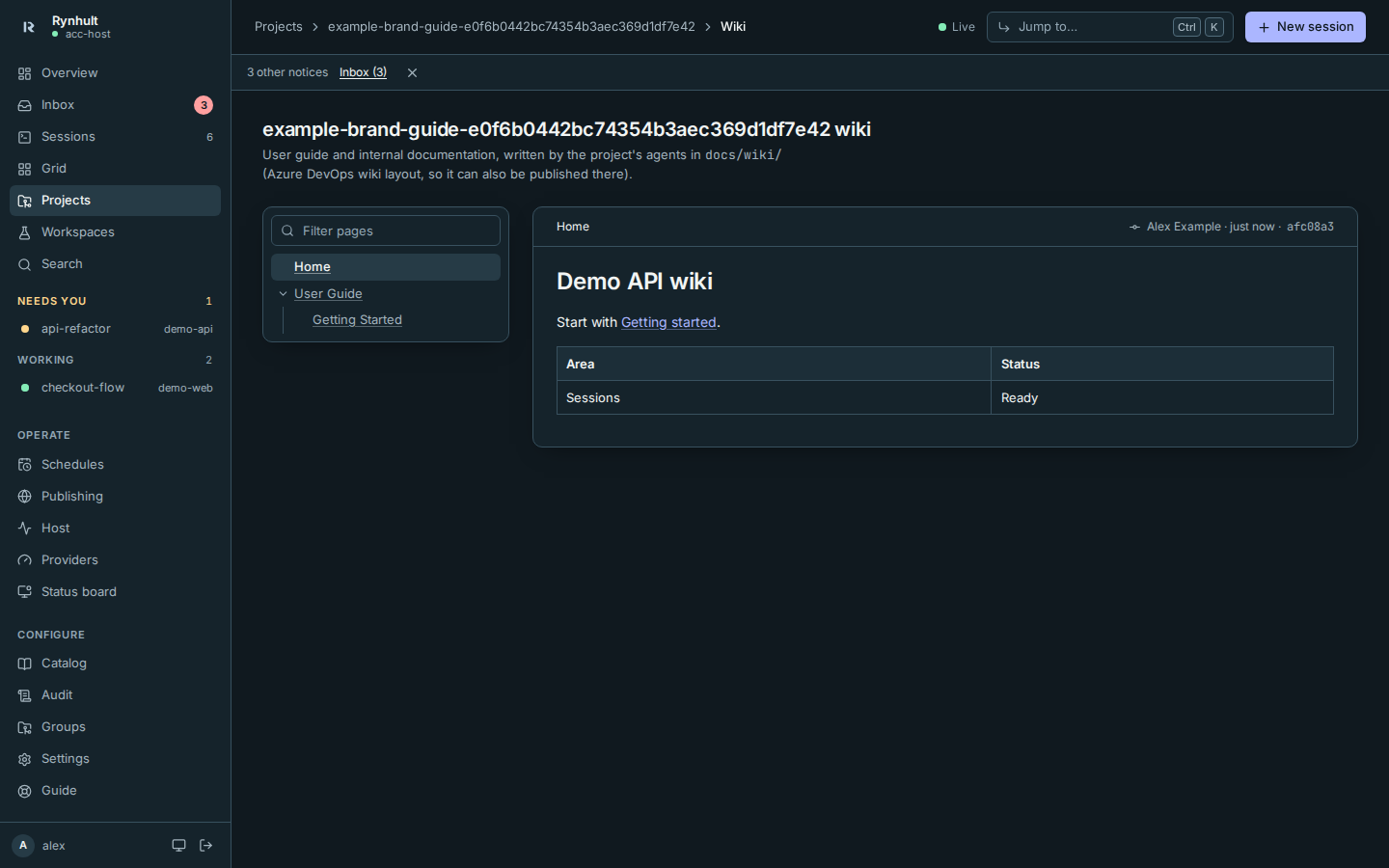
- Pages are on the left, in the order the wiki defines. Use Filter pages to find one.
- Each page has its own address, so you can bookmark and share it.
- The line above the page shows who changed it last, when, and in which commit.
How it is stored
The wiki is Markdown in the repository's docs/wiki/ folder, in the Azure DevOps "publish code as wiki" layout, so the same folder can be published as an Azure DevOps wiki. It is versioned and reviewed with the code. The rules agents follow are in the acc-workflow skill.
Public wikis
A wiki that will be published contains a docs/wiki/.public file. Everything in it, text and screenshots, then uses artificial data, and agents run rynhult-wiki-check before committing. This wiki is one of them.
Code blocks have Copy code, and long code and tables are named keyboard-focusable regions. Tab to the region and use arrow keys to scroll. Copies preserve source text and newlines. If clipboard access is denied or unavailable, Rynhult selects the text and shows a manual-copy explanation. This also applies to Markdown previews in Files.
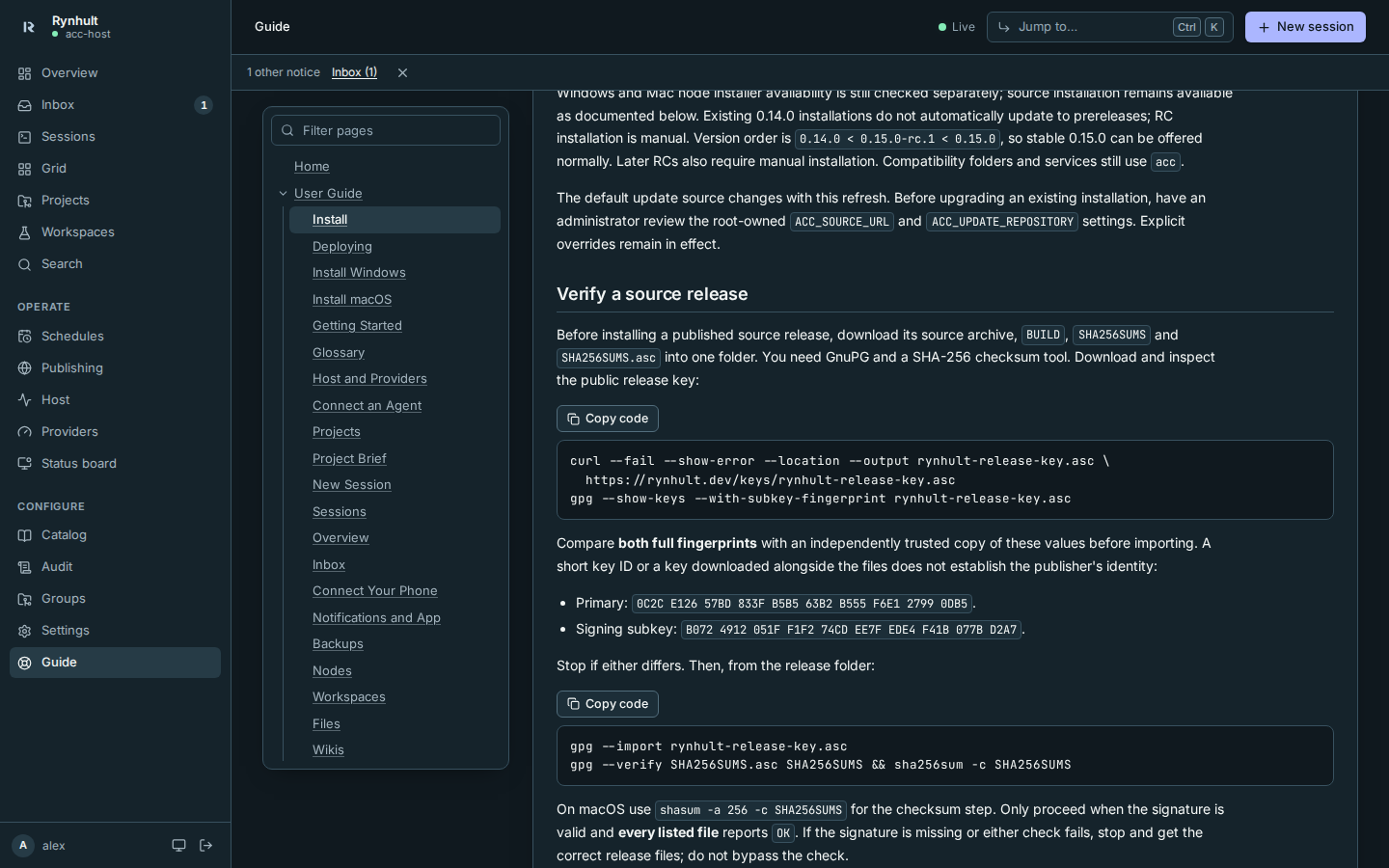
This page is generated from docs/wiki/User-Guide/Wikis.md; the same page is under Guide inside Rynhult.