High availability
Use two matching Rynhult mains with PostgreSQL to keep a standby ready for an owner-run handover. The standby observes status and cannot control work. Promotion is always manual; a missed heartbeat never changes authority.
Before you start
Ask the installation owner to provision PostgreSQL, matching builds and secrets,
stable execution-machine identities and a verified HTTPS front door. Each main
needs a different ACC_HA_NODE_ID. Every restart begins as standby. Local broker
execution on HA mains is disabled; existing work stays on its enrolled machine.
Check status
-
Open either main. Standby shows High availability automatically. On the active dashboard select Active main · epoch … to open the same screen.
-
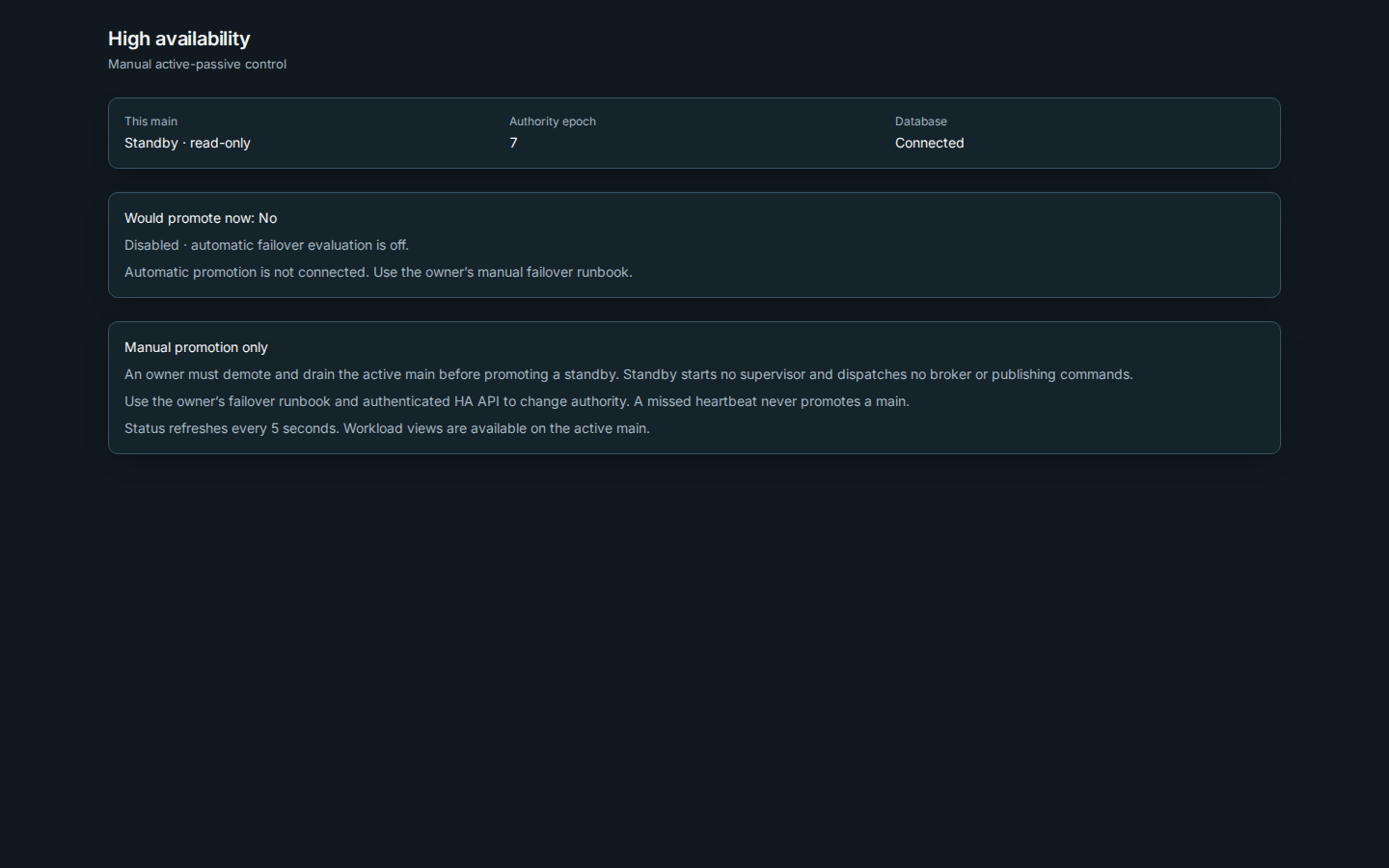
Check This main, Authority epoch and Database. Status refreshes every five seconds. The epoch is a number that increases whenever an owner changes authority. A connected standby is available for observation, not for commands.
-
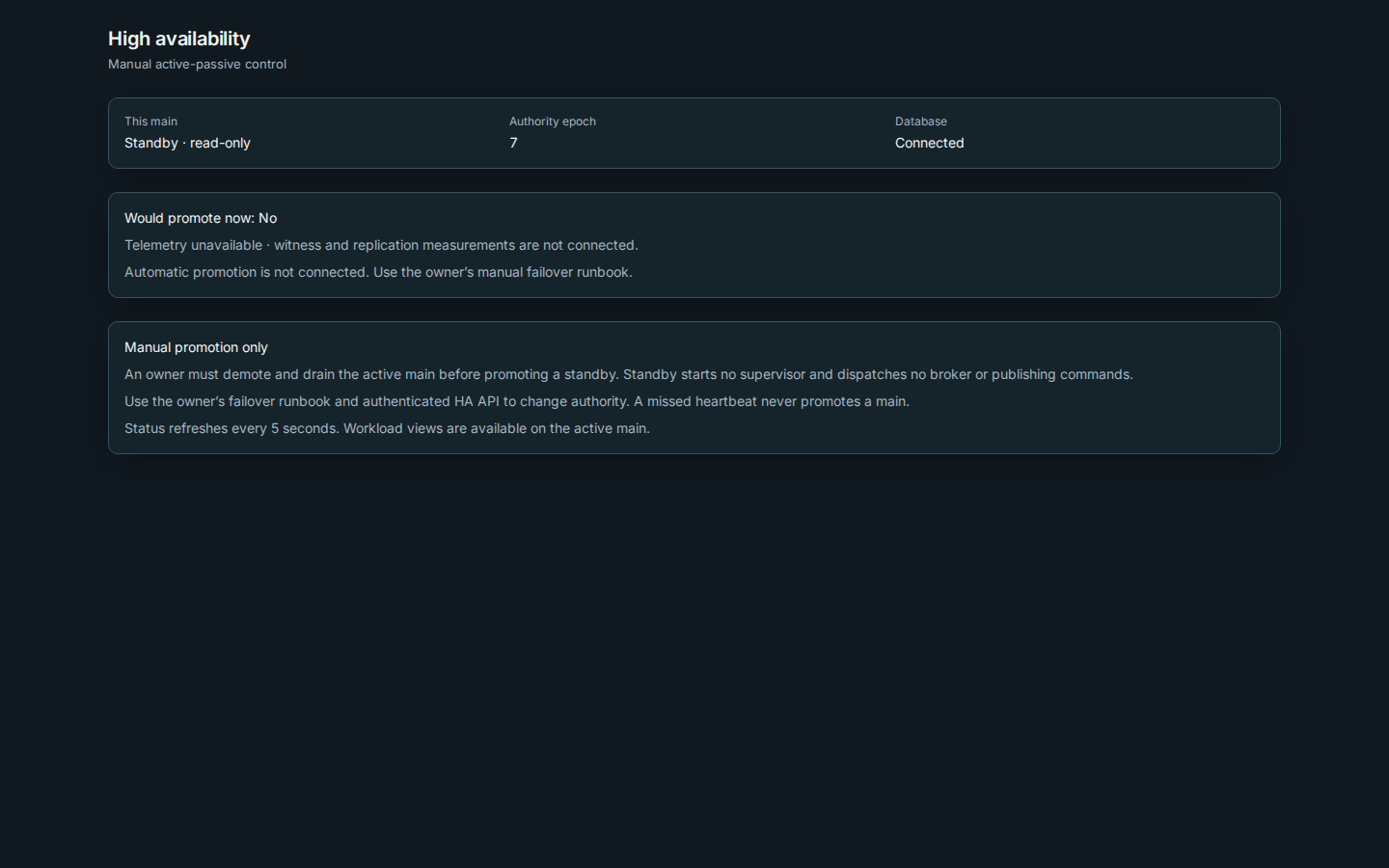
Check Would promote now: No. Disabled means the installation owner has left automatic evaluation off (the default). Telemetry unavailable means dry-run evaluation is on, but witness and replication measurements are not connected. Automatic promotion is not connected in this release, including when evaluation is enabled. Keep using the manual runbook.
-
Use the active main for workload views. The owner can inspect full authority details using the authenticated
/api/ha/statusAPI.
Change the active main
The owner follows the manual failover runbook: check file/secret readiness, demote and drain the old main, explicitly promote the standby at the observed epoch, then move the verified front door. Return to the original with the same procedure in reverse. Workload processes and terminal connections are not replicated.
If the old main has failed, the owner must independently fence that host and its privileged helpers before crash-recovery promotion. A database disconnect does not prove that an external command already sent has stopped.
The installation owner can set ACC_HA_AUTO_EVALUATE=1 in the protected main
service environment and use the normal owner-managed restart procedure. This
switch enables dry-run evaluation only. There is no promotion switch or witness
setup UI in this release. The owner’s authenticated /api/ha/status reads record
changes in evaluation state in the audit log; public status polling does not.
No automatic failover notifications are sent by this slice. The installation
settings and their defaults are in Configuration.
Troubleshooting
- Standby · read-only: use the active main. Sign-in and workload operations are active-only; an owner uses their protected API credential for initial promotion.
- Database unavailable: control actions stop. Restore database access and ask the owner to inspect authority; the standby will not promote itself.
- A command outcome is uncertain: a broker reply was lost or an external execution was canceled. The active main keeps working, but clean handover is blocked, including after restart. Ask the owner to resolve the external work and independently fence that main before recovery promotion of the other.
- Epoch changed: another transition happened. Read status before retrying.
- Work is still draining: let admitted work finish, investigate uncertain helper operations and retry demotion. There is no force takeover of a running main.
- Machine disconnected: nodes reconnect through the stable front door or the owner's pre-approved HTTPS alternate list. Keep certificate and hostname checks enabled on every endpoint.
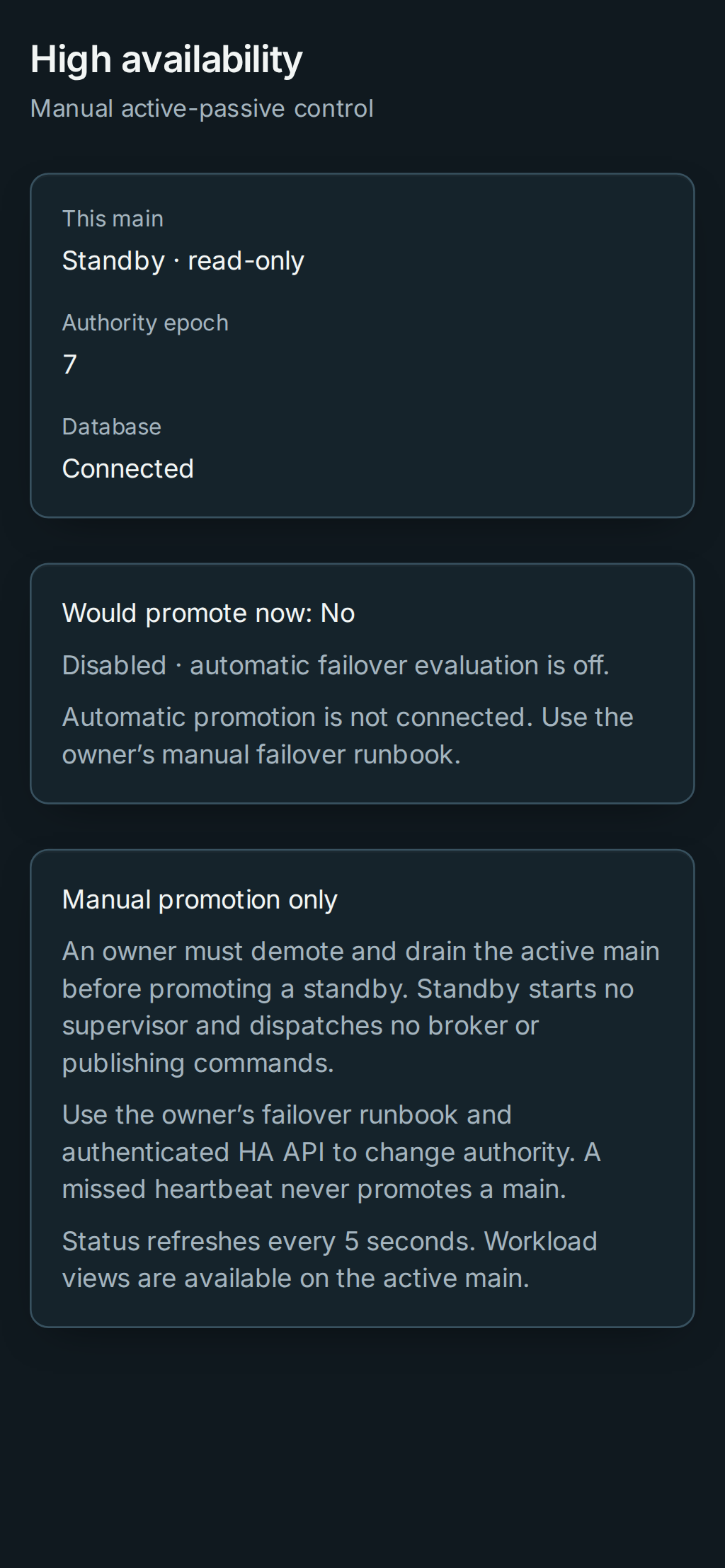
On a phone, the same status fields stack vertically:
Publishing rechecks authority after DNS lookups and before DNS changes or route helper requests. If authority changes while a publish is in progress, the old main refuses further changes. An interrupted ownership intent may need reconciliation in DNS settings before retrying.
This page is generated from docs/wiki/User-Guide/High-Availability.md; the same page is under Guide inside Rynhult.