Search
Search finds words in your sessions' conversations: your prompts and the agents' replies, for every agent (Claude Code, Codex, GitHub Copilot CLI, Antigravity, Cursor and OpenCode), archived sessions included. It searches conversation content, not page or project names.
- Open Search in the sidebar (on a phone, open Menu first). Alternatively, open Jump to… with the top-bar button or ⌘K / Ctrl K and choose Search conversation content.
- Type at least two characters. From Jump to…, you can also type your words and choose Search conversations for “…” to carry them into Search.
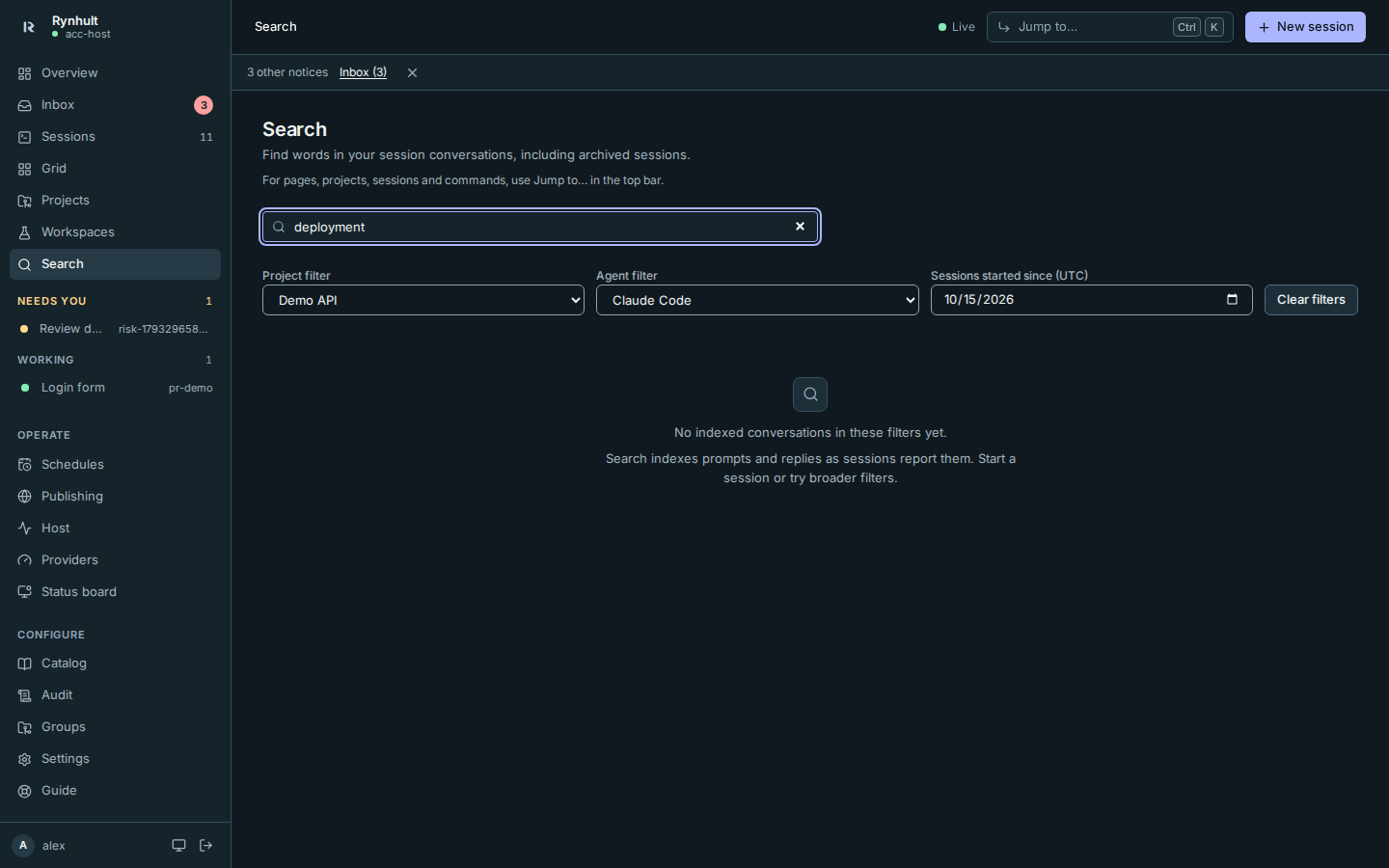
- Optionally narrow by Project filter, Agent filter, or Sessions started since (UTC). The date includes sessions started at or after midnight UTC on that day, not just messages sent since then. Archived projects and sessions stay searchable.
- Select a matching session to open it.
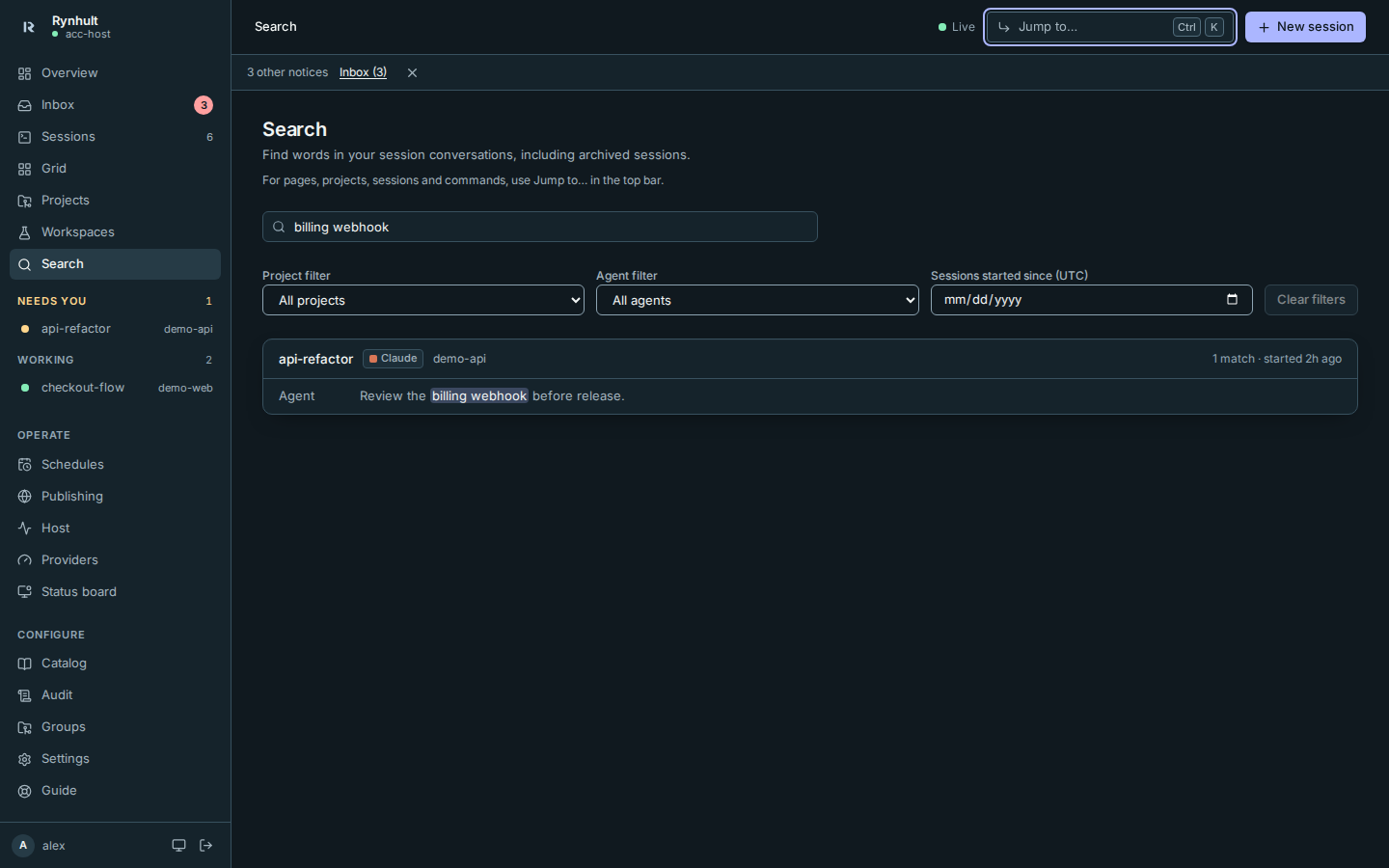
Looking for a page, project, session or command instead? Use Jump to… in the top bar. Its navigation arrow is distinct from Search's magnifying glass. See Keyboard shortcuts.
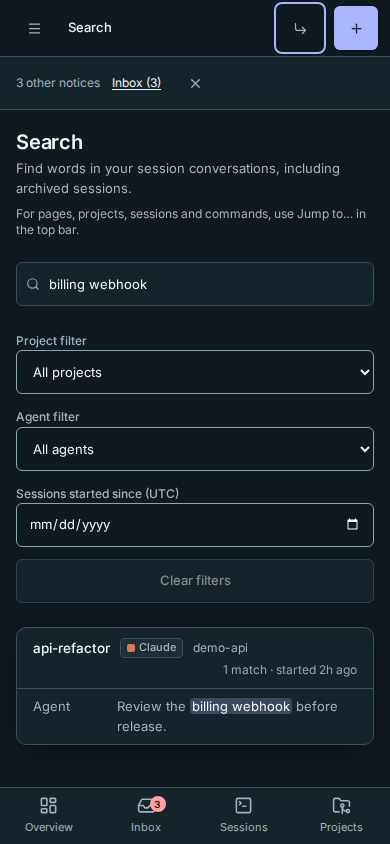
Filters and search words are kept in the URL, including while you type. Bookmark or share that link; recipients still see only conversations they can access. Clear filters removes all three filters but keeps your search words.
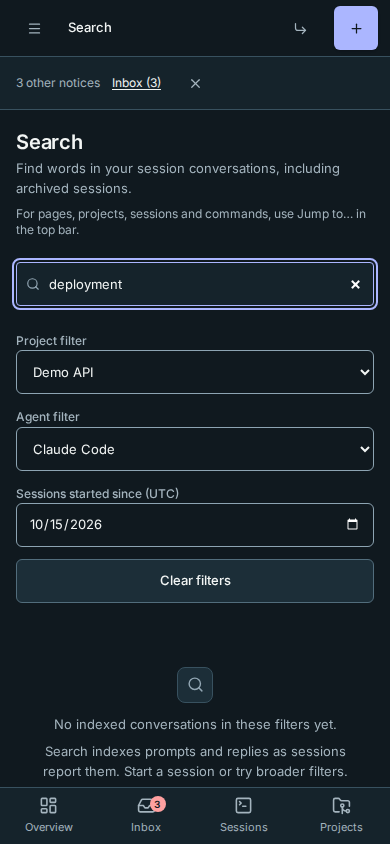
No indexed conversations in these filters yet means none of the conversations you can access in that scope has indexed messages. Broaden the filters or let a session report its first conversation. No conversation mentions your words means there are indexed conversations in scope, but none matches. These states never reveal another person's index or session count.
- Words match in any order, and the last word can be the start of one:
billing webhfinds "migrate the billing webhooks". Similar word forms match too ("deploying" finds "deploy"). - Results are grouped by session, best match first, with up to three matching messages and the words highlighted. Select a session to open it.
- What's searched: what you typed and what the agent answered. Tool output (command results, file contents) and the instructions Rynhult adds to each session aren't, so results stay about the conversation.
- What you can find: your own sessions; owners find everyone's, like the Sessions page.
- When: a conversation is indexed a few seconds after each turn ends. Sessions from before this feature are indexed in the background, a few at a time.
Conversations stay in each agent's own files on the server (Rynhult reads them through the broker); the search index lives in Rynhult's database.
If recent words have not appeared yet, allow another background pass. Indexing waits for concurrent database writes without freezing the dashboard and publishes each session's replacement index together. If a database write times out, Rynhult logs the failure and leaves that conversation due for a later pass; it does not mark a partial index as complete.
This page is generated from docs/wiki/User-Guide/Search.md; the same page is under Guide inside Rynhult.